How to Copy Instagram Caption (Post, Reel & by Link) – 2026 Guide
You saw a caption you loved, tapped on it, and… nothing. No copy option. It’s one of the most searched Instagram problems in India.
Here’s the good news: you can copy instagram caption text in under a minute, without risky apps. This guide shows how to copy caption from instagram on a phone, on a PC, by link, from reels and from video posts. It also explains what an instagram caption downloader or caption extractor actually does, how to use one safely, and how to build your own caption saver so you never lose a good line again.
Quick Takeaways
- The easiest method: open the post in a browser and select the text.
- On a phone, Google Lens (Android) or Live Text (iPhone) can copy text from a screenshot.
- Never give your Instagram password to any caption downloader site.
- If you reuse a caption, change it or credit the creator.
- Save good captions in a notes app; it’s the safest caption saver.
Why Instagram Makes Caption Copy Hard

In the Instagram app, captions usually can’t be selected the way text can in WhatsApp or Chrome. Some phone and app versions behave differently, but most people find no simple “copy” option. That’s why searches like instagram copy caption, insta caption copy and ig caption copy are so common. The methods below work on almost every phone without installing anything new.
Method 1: Copy Caption from Instagram Post Using a Browser
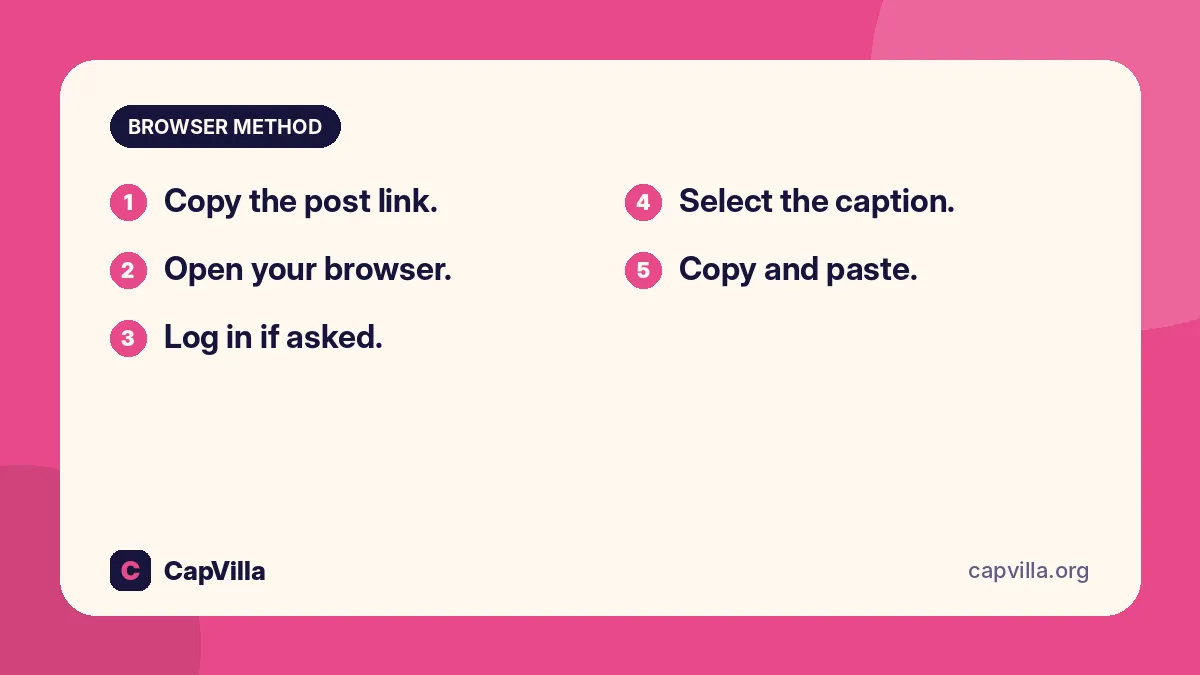
This is the most reliable way to copy caption from instagram post pages, on both phone and PC, and it’s the simplest insta post caption copy method.
- Copy the post link. In the app, tap the share (paper plane) icon, then “Copy link”.
- Open your browser. Paste the link into Chrome, Safari or any browser and open it.
- Log in if asked. Use only the official instagram.com page.
- Select the caption. On a phone, long-press a word and drag the handles. On a PC, click and drag.
- Copy and paste. Tap “Copy” (or press Ctrl+C), then paste wherever you like.
Method 2: Copy Instagram Caption Easily with a Screenshot
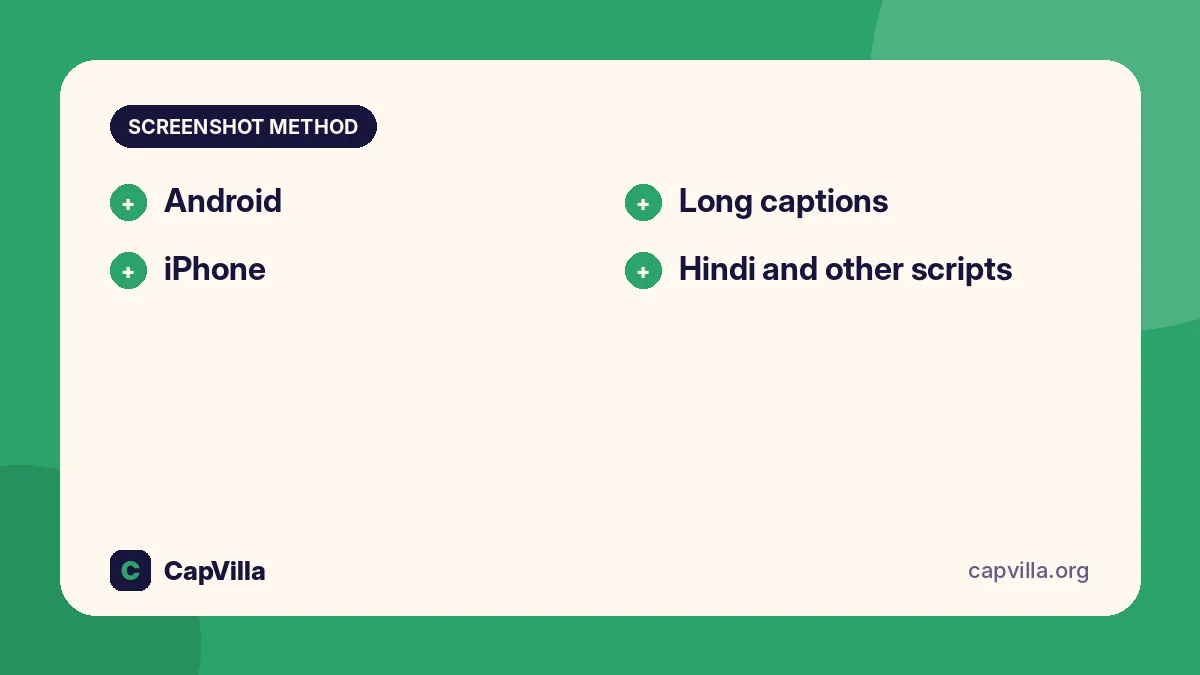
Want to copy instagram caption easily without leaving the app? Use your phone’s built-in text recognition.
- Android: take a screenshot, open it in Google Photos or Google Lens, tap “Text”, select the caption and tap “Copy”.
- iPhone: take a screenshot, open it in Photos, long-press the text (Live Text) and tap “Copy”.
- Long captions: tap “more” first, so the full caption is on screen before your screenshot.
- Hindi and other scripts: Lens recognises many Indian scripts, but check the copied text for small errors.
Instagram Reel Caption Copy (Reels & Video)
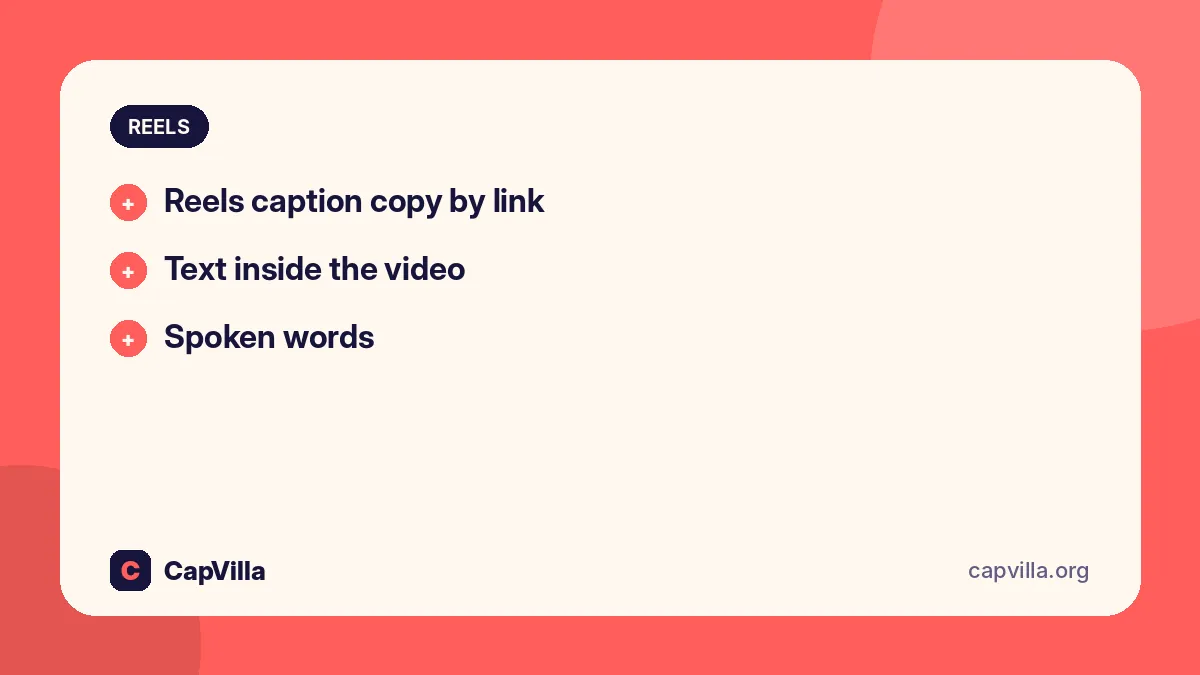
Reels work the same way as posts. For instagram reel caption copy or instagram reels caption copy, use the share icon to copy the link, then follow Method 1, or use the screenshot method. For an instagram video caption copy, the caption text sits under the video just like a photo post.
- Reels caption copy by link: paste the reel link into a browser and select the text.
- Text inside the video: if the words are on the video itself, pause it, screenshot and use Lens or Live Text.
- Spoken words: if you need what someone says, use the auto captions shown on the reel (when the creator turned them on) or type it yourself.
Instagram Caption Copy by Link: How Caption Tools Work
Many websites offer instagram caption copy by link. You paste a public post link and the site shows the caption text. Some call themselves an instagram caption downloader, instagram caption extractor, instagram caption copy tool or “instagram copy caption tool 2025”. They also handle instagram reels caption copy by link and caption copy by link for reels.
These tools only read public posts. If you use one, follow these safety rules:
- Never enter your Instagram password. A caption tool doesn’t need it.
- Avoid sites full of pop-ups or that ask you to install apps or extensions.
- Don’t share private links from friends’ private accounts.
- Prefer the browser method; it’s free, private and needs no third-party site.
Download Instagram Caption & Instagram Video Download with Caption
People search download instagram caption, instagram caption download online, insta caption download, insta post caption download, reel caption download, instagram reel caption download, instagram reels caption download and instagram video caption download. Here’s the honest picture: a caption is just text, so “downloading” it simply means copying it and saving it in a file or note.
- To save the text: copy it with Method 1 or 2, then paste it into Google Keep, Notes or a document.
- Instagram video download with caption: Instagram lets you download some public Reels from the share menu when the creator allows it. The caption isn’t part of the video file, so copy it separately.
- Your own posts: use Instagram’s “Download your information” in Accounts Centre to get a copy of your own posts and captions.
- Respect creators: downloading someone’s video to repost as yours isn’t fair, and it can break Instagram’s rules.
Build Your Own Instagram Caption Saver
The best instagram caption saver (or insta caption saver) is one you control. Here’s a simple system.
- Create a “Captions” note. Use Google Keep, Apple Notes or Notion.
- Add tags. #birthday, #travel, #attitude, #hindi, so you can search later.
- Use Instagram’s Save button. Bookmark the post into a “Caption ideas” collection.
- Rewrite before you use it. Change a few words so it sounds like you.
Caption Copy-Paste: Ready Captions to Copy for Instagram
If you came for caption copy-paste ideas, here are original lines you can use freely. This is a quick caption copy for instagram set, and each line is ready for instagram caption copy paste: tap to copy.
- Saving this moment, not just this photo.
- Different day, same grateful heart.
- Living my story, one post at a time.
- Good energy only.
- Small steps, big dreams.
- Quietly confident.
- Proof that happiness is homemade.
- Today's mood: unstoppable.
- Made it look easy. It wasn't.
- Main character in my own story.
Looking for something similar? Try our facebook captions copy.
Instagram Viral Caption Copy Ideas
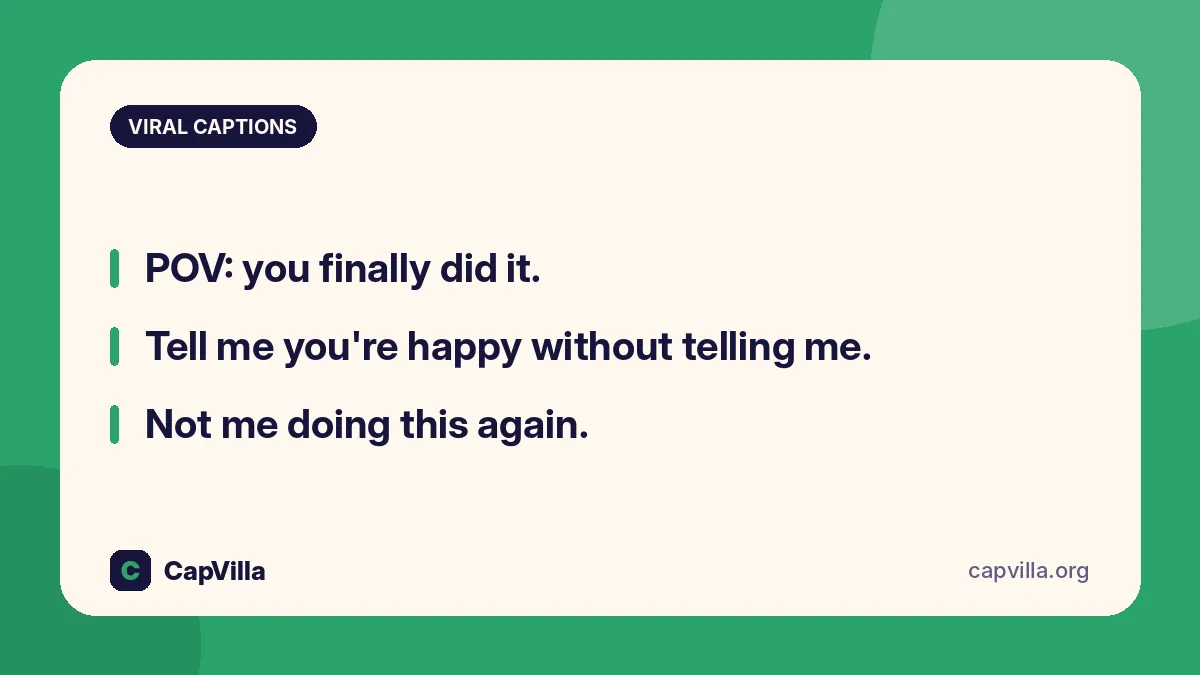
Viral captions are short, relatable and easy to reshare. Here’s an instagram viral caption copy list you can use on photos and reels.
- POV: you finally did it.
- Tell me you're happy without telling me.
- Not me doing this again.
- Saved for the ones who get it.
- If it made you smile, it worked.
- Me vs. my expectations.
- Some days just deserve a reel.
- Plot twist: I'm thriving.
For more ideas, see our reel captions copy.
Is It Okay to Copy Captions?
Copying a short, common line like “Good vibes only” is normal. But copying a creator’s long, original caption word for word and posting it as yours isn’t fair. If a caption inspired you, change it into your own words or credit the creator with a mention. That’s the CapVilla way: user help first, and respect for the people who write.
Frequently Asked Questions
How do I copy caption from Instagram?
Copy the post link from the share menu, open it in a browser, then select and copy the caption. Or take a screenshot and use Google Lens (Android) or Live Text (iPhone) to copy the text.
Is there an Instagram caption copy by link tool?
Yes, several websites copy captions from public post links. Use them carefully and never enter your Instagram password. The browser method works just as well and is private.
Can I download Instagram captions?
A caption is text, so you copy it and save it in a note or file. For your own posts, Instagram’s “Download your information” option gives you a copy of your captions.
How do I copy a reel caption?
Copy the reel link, open it in a browser and select the caption, or screenshot the caption and copy it with Lens or Live Text.
Is it okay to copy someone’s caption?
Short common lines are fine. For long original captions, rewrite them in your own words or credit the creator.
Copying a caption shouldn’t feel like a puzzle. Use the browser or screenshot method, keep a caption saver note, and always add a little of yourself to every caption you post.
Daily caption drop
Get new captions in your inbox every morning
One short email a day with the title and link of each new CapVilla post. No spam, unsubscribe anytime.