Auto Caption Hindi: Add Hindi Auto Captions to Reels & Videos
More people watch reels on mute than you might think. Adding Hindi auto captions makes sure your words still reach them.
This guide shows how to get auto caption Hindi subtitles using free tools you already have, how auto caption AI works, what to check before trying any auto caption app, and how to fix the common Hindi mistakes auto captions make.
Quick Takeaways
- Instagram, Edits and YouTube offer free auto captions; Edits supports Hindi.
- Auto caption AI often misspells Hindi names and slang; always review.
- Choose Devanagari or Roman Hindi based on your audience.
- Clear audio gives the best Hindi auto captions.
What Is Hindi Auto Caption?
Hindi auto caption means software listens to Hindi speech in your video and writes it as on-screen text. It saves hours of typing and makes your videos easier to watch on mute. Most tools use auto caption AI trained on many languages, including Hindi.
Free Tools for Auto Caption Hindi
- Meta’s Edits app: auto captions with Hindi support, styles and bilingual captions that can add a second language.
- Instagram captions sticker: add it to a reel or story; it transcribes the spoken language.
- YouTube automatic captions: works for many Hindi videos; edit in YouTube Studio.
- Phone voice typing: Gboard Hindi voice typing for short caption text.
How to Add Hindi Captions in Edits
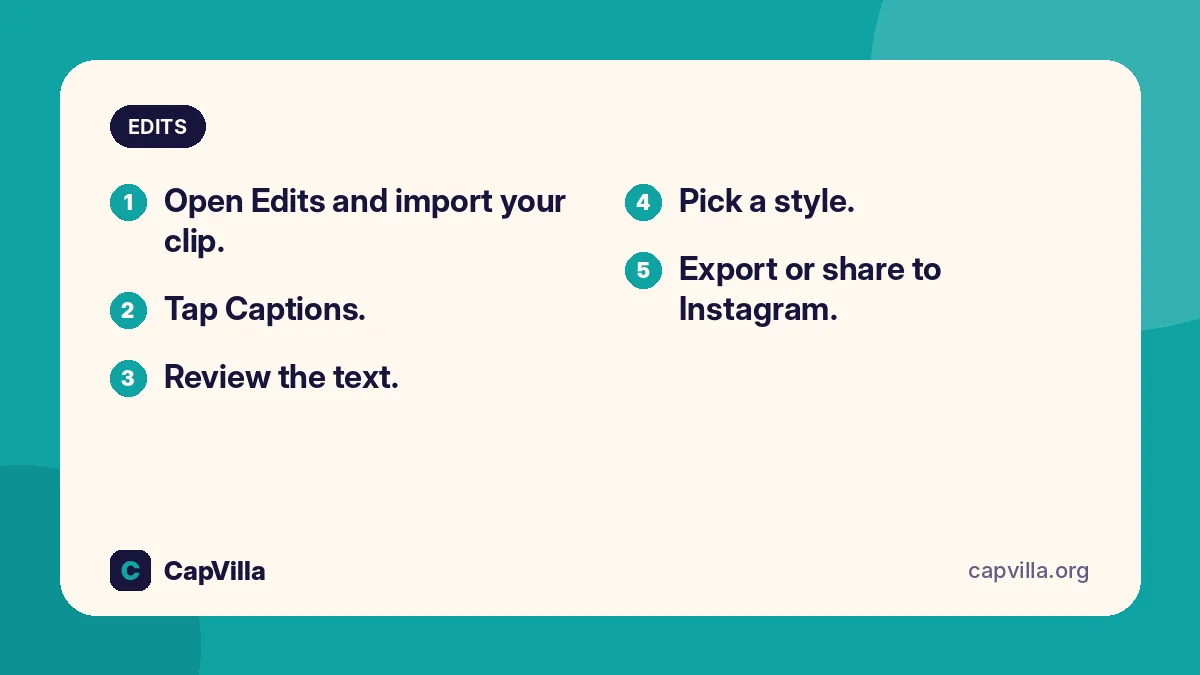
- Open Edits and import your clip. Edits is Meta’s free video editor.
- Tap Captions. Choose the spoken language if asked.
- Review the text. Fix any wrong Hindi words.
- Pick a style. Choose a readable font and position.
- Export or share to Instagram. Check the final video once.
Auto Caption App Checklist
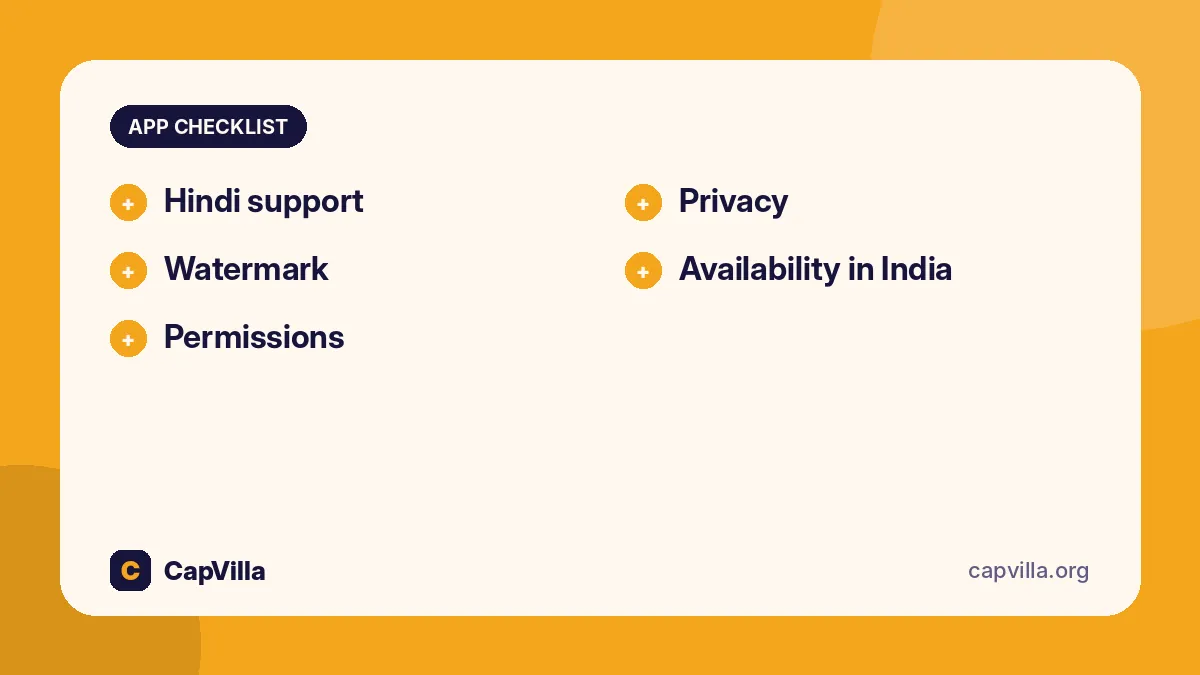
Many auto caption app options exist. Before installing one, check:
- Hindi support: does it list Hindi clearly?
- Watermark: some free plans add one.
- Permissions: it shouldn’t need your contacts or passwords.
- Privacy: read how it uses your videos.
- Availability in India: some popular editors are not available in India.
Fixing Common Hindi Auto Caption Mistakes
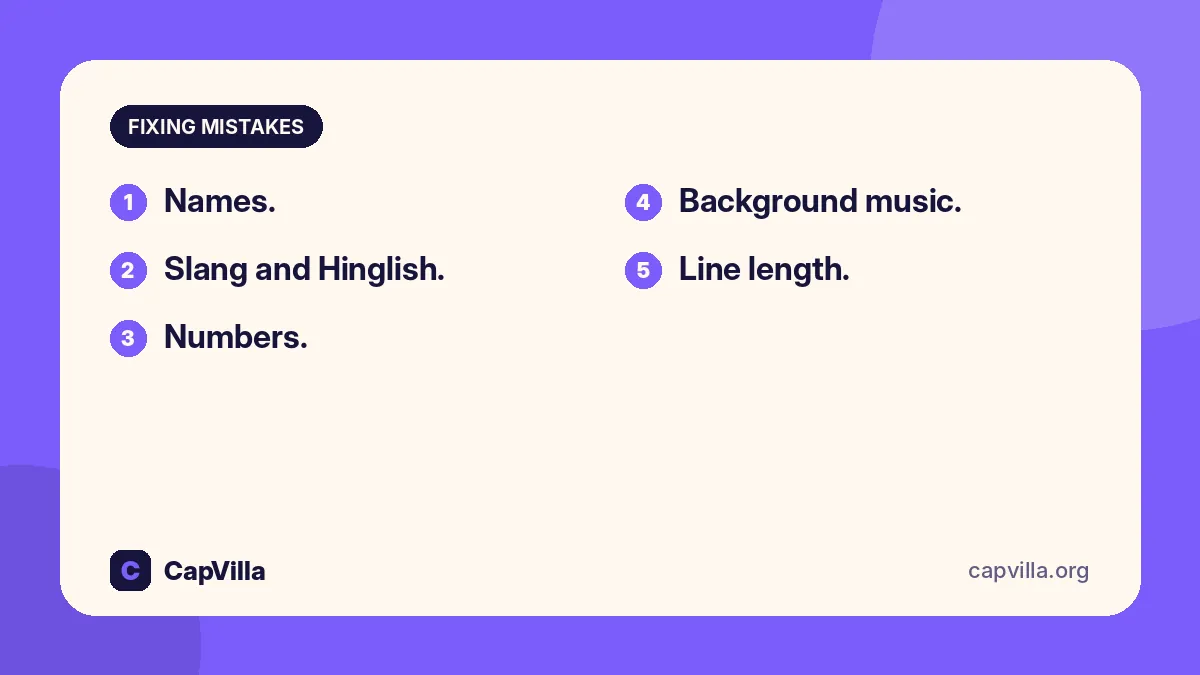
- Names. AI often misspells names; correct them.
- Slang and Hinglish. Mixed speech can confuse AI.
- Numbers. Check dates, prices and phone numbers.
- Background music. Lower it during speech.
- Line length. Break long lines so they’re easy to read.
How to Add Hindi Auto Captions on YouTube
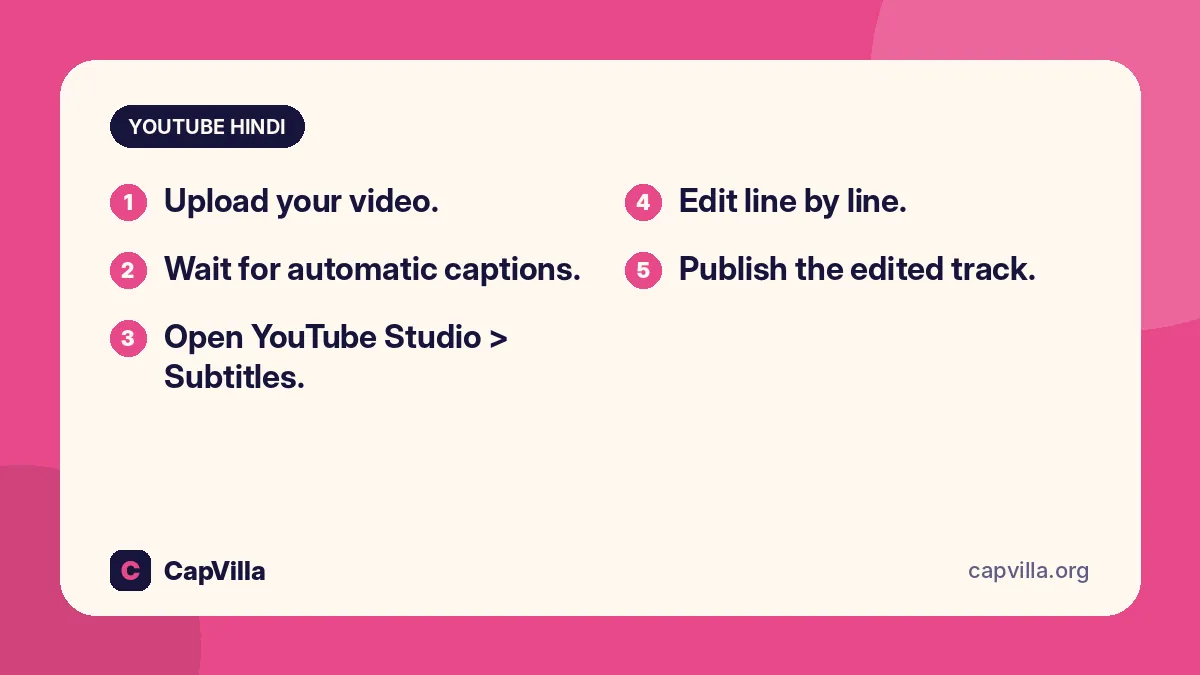
YouTube is a reliable free option for longer Hindi videos, such as vlogs, recipes and devotional talks.
- Upload your video. Set the video language to Hindi in the upload details.
- Wait for automatic captions. Longer videos take more time to process.
- Open YouTube Studio > Subtitles. Select the Hindi automatic track.
- Edit line by line. Correct names, places and religious terms carefully.
- Publish the edited track. Viewers can now turn on clean Hindi captions.
Who Benefits from Hindi Captions?
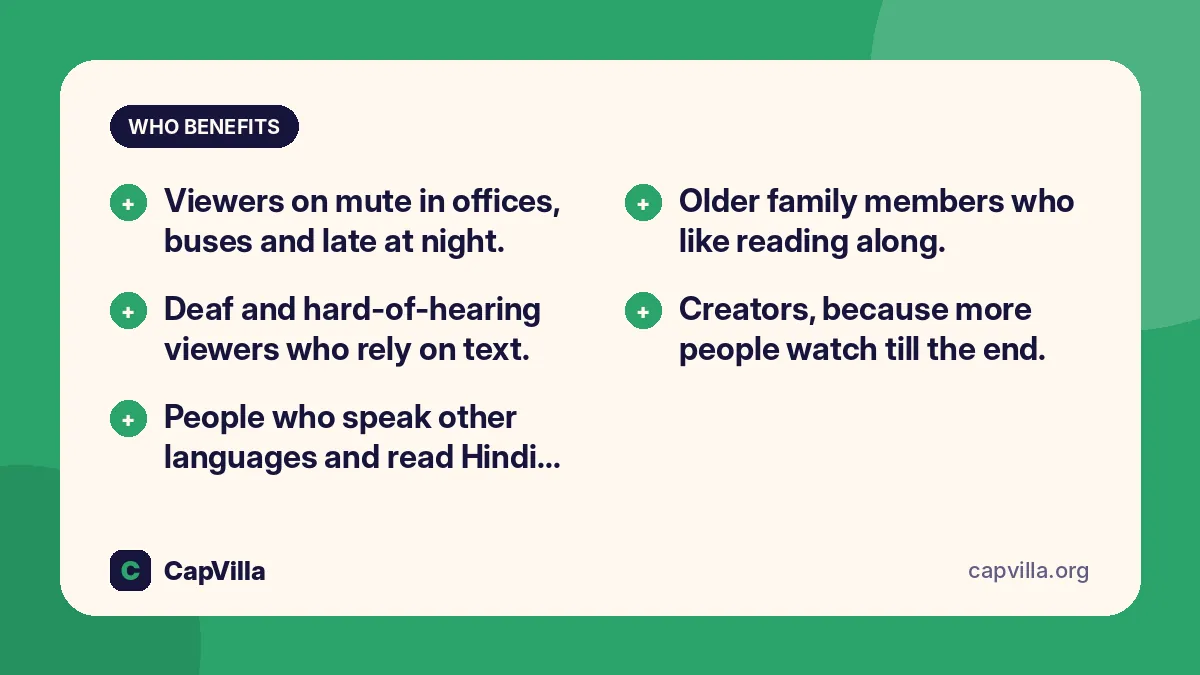
- Viewers on mute in offices, buses and late at night.
- Deaf and hard-of-hearing viewers who rely on text.
- People who speak other languages and read Hindi better than they hear it.
- Older family members who like reading along.
- Creators, because more people watch till the end.
Devanagari or Roman Hindi?
Devanagari (हिंदी) looks authentic and suits devotional, news and storytelling videos. Roman Hindi (“Kaise ho?”) is easier for young, mixed audiences who read Hinglish. Pick one and stay consistent within a video.
Post Captions for Hindi Reels

Best for: the text under your Hindi reel.
- Awaaz band hai? Captions on hain. 😉
- Har shabd dil se.
- Suno, samjho, share karo.
- Ant tak zaroor dekhna.
- हर शब्द दिल से।
- सुनो, समझो, शेयर करो।
- Bina awaaz ke bhi samajh aayega.
- Captions ke saath, poori baat.
Pair this with our captions in hindi.
Frequently Asked Questions
How do I add Hindi auto captions to reels?
Use Instagram’s captions sticker or Meta’s Edits app, which supports Hindi. Review the text before posting.
What is the best auto caption AI for Hindi?
Free tools like Edits and YouTube automatic captions work well for clear Hindi speech. Results vary, so always check the text.
Is there a free Hindi auto caption app?
Yes, Edits is free. Some other apps are free with limits or watermarks; check before you install.
Why are my Hindi auto captions wrong?
Background noise, fast speech, slang and names confuse AI. Improve audio quality and edit the text.
Hindi auto captions help your message reach everyone, even on mute. Use a free tool, fix the small mistakes and keep creating.
Daily caption drop
Get new captions in your inbox every morning
One short email a day with the title and link of each new CapVilla post. No spam, unsubscribe anytime.